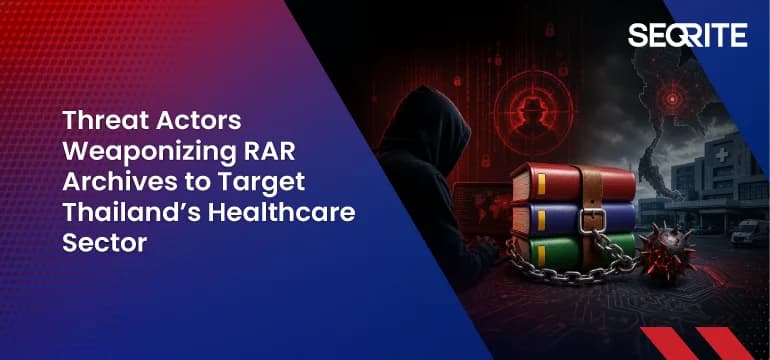
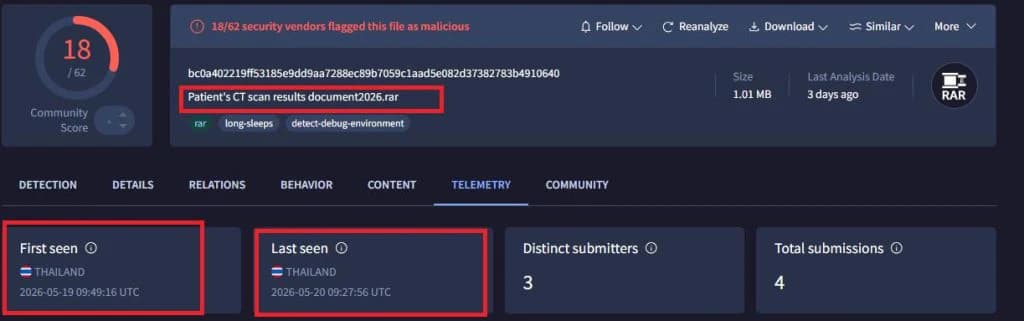
Seqrite Labs has reported a malware campaign aimed directly at Thailand's healthcare sector. Targets range from Ministry of Public Health staff and hospital administration to radiology and dental clinics, clinical departments and medical-equipment procurement teams. The first sample surfaced on 7 April 2026 and the latest on 3 June 2026; every one was uploaded from Thailand.
Lures named after the victim's own work
Phishing emails carry RAR archives named to match the recipient's job — equipment approvals from the ministry, patient admission requests, X-ray queries, CT-scan results. Inside is not a document but an obfuscated batch file.
What happens when it's opened
- The batch file uses PowerShell to decode the next stage, then deletes its temp files.
- A loader pulls files posing as PNG images from GitHub and assembles the malware.
- A script named WindowSecuryt.bat is dropped into the Startup folder so it runs at every logon.
- It tries to escalate privileges on the machine.
- A Python info-stealer closes Chromium browsers, lifts saved passwords, cookies and sessions, and sends them to the attacker's Telegram bots.
Seqrite assesses the activity as targeted but makes no firm attribution. Seqrite products detect it as Script.Trojan.Downloader.50836.GC; the full hash list and MITRE ATT&CK mapping are in the original write-up.
Not only big hospitals
Private clinics, labs and companies that supply hospitals are on the target list too. They rarely have a security team, and opening attachments from government bodies is a normal part of the job — which is exactly why attackers use it.
What a business should do
- Treat .rar or .zip files that look like official or patient documents — and contain .bat files — as hostile.
- Check the Windows Startup folder for new files you can't account for.
- Restrict BAT and PowerShell scripts from user folders and %TEMP%.
- Stop saving work passwords in the browser, and turn on MFA.